

Where to find your MyPrint account balance
Your MyPrint account balance can be found in two locations: on the MyPrint Web Portal and at any of the MyPrint printers located around campus.
Web Portal
Your MyPrint account balance can be found in the Summary tab on the MyPrint Web Portal. The balance shown represents the total of both your complimentary (free) print credits, and purchased blocks.
1. Go to myprint.brown.edu and login.
2. On the Summary page, you’ll find the balance for both accounts with the label "MyPrint and MyPrint Credit Blocks Balance".
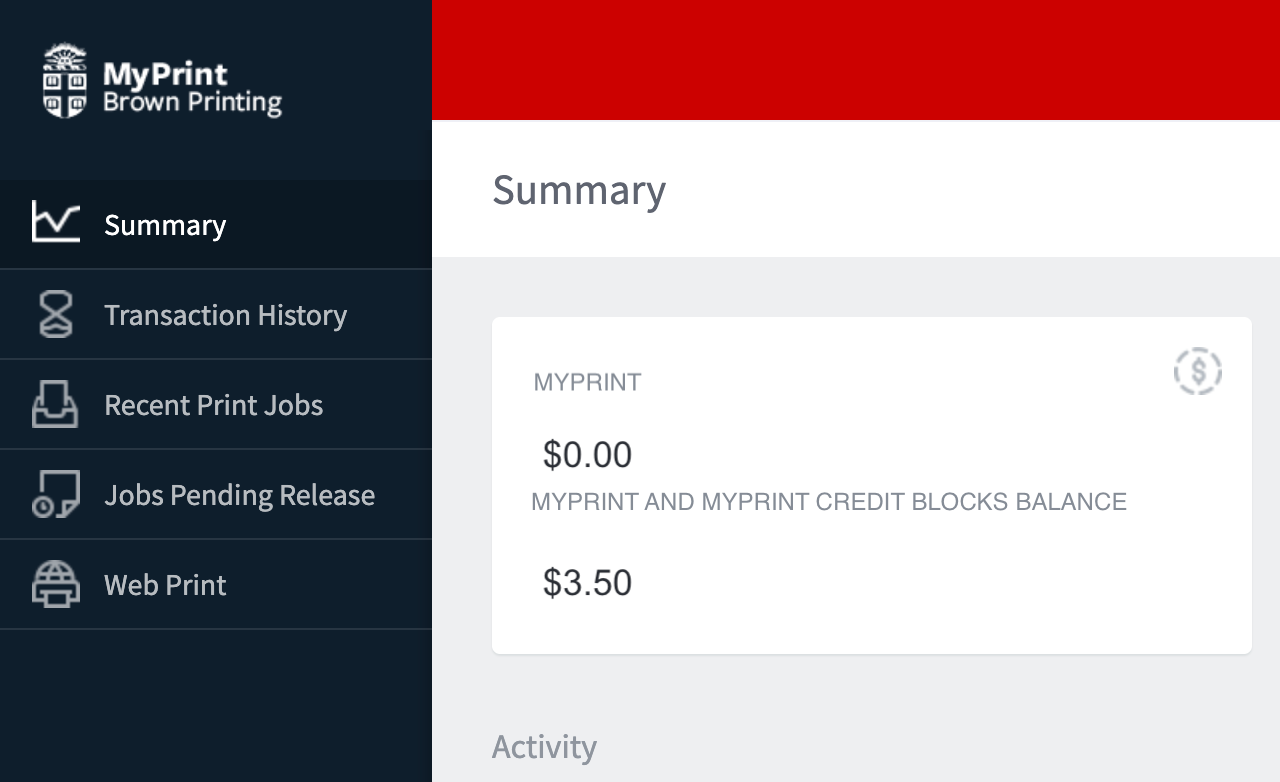
Note: If there is a zero balance, this means there are no print credits available in either account - more print blocks will need to be purchased before print jobs can be released. Additional print blocks can be purchased at mycard.brown.edu.
At the device
If you have a job pending in either of the MyPrint queues, you’ll be able to check your balance at one of the MyPrint devices.
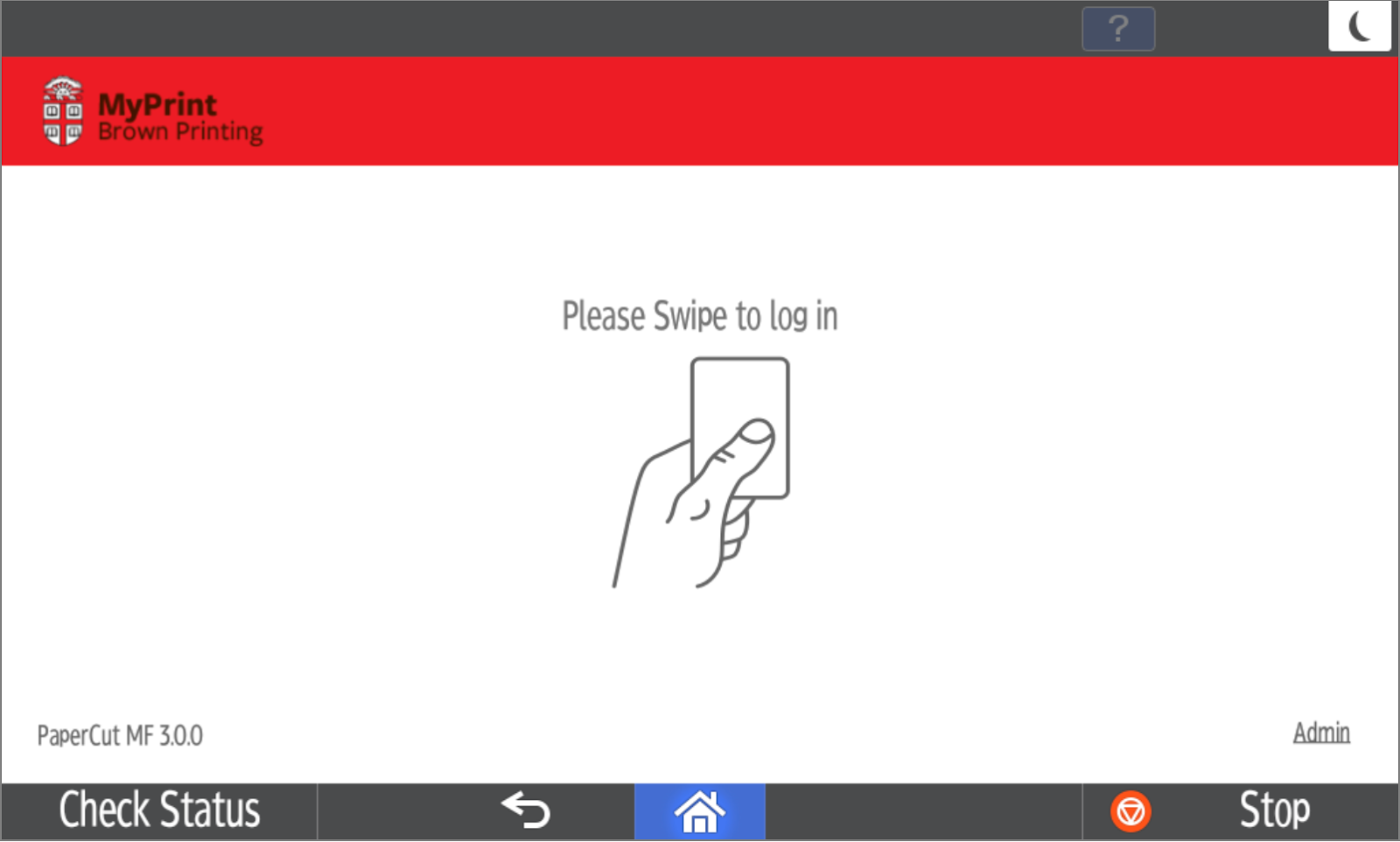
1. Swipe your Brown ID card.
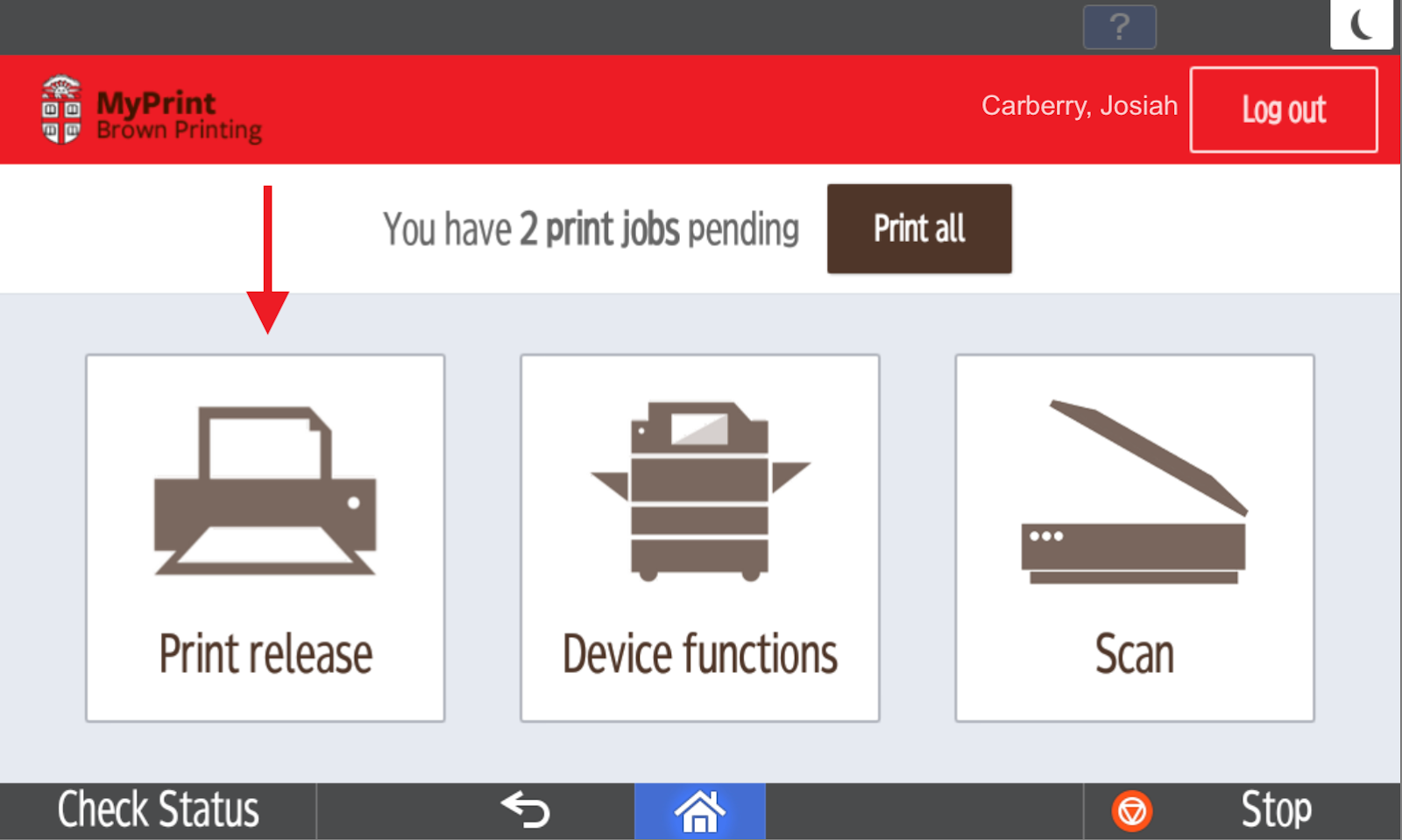
2. Tap the Print Release icon.
3. Tap the arrow to the right of any pending job.
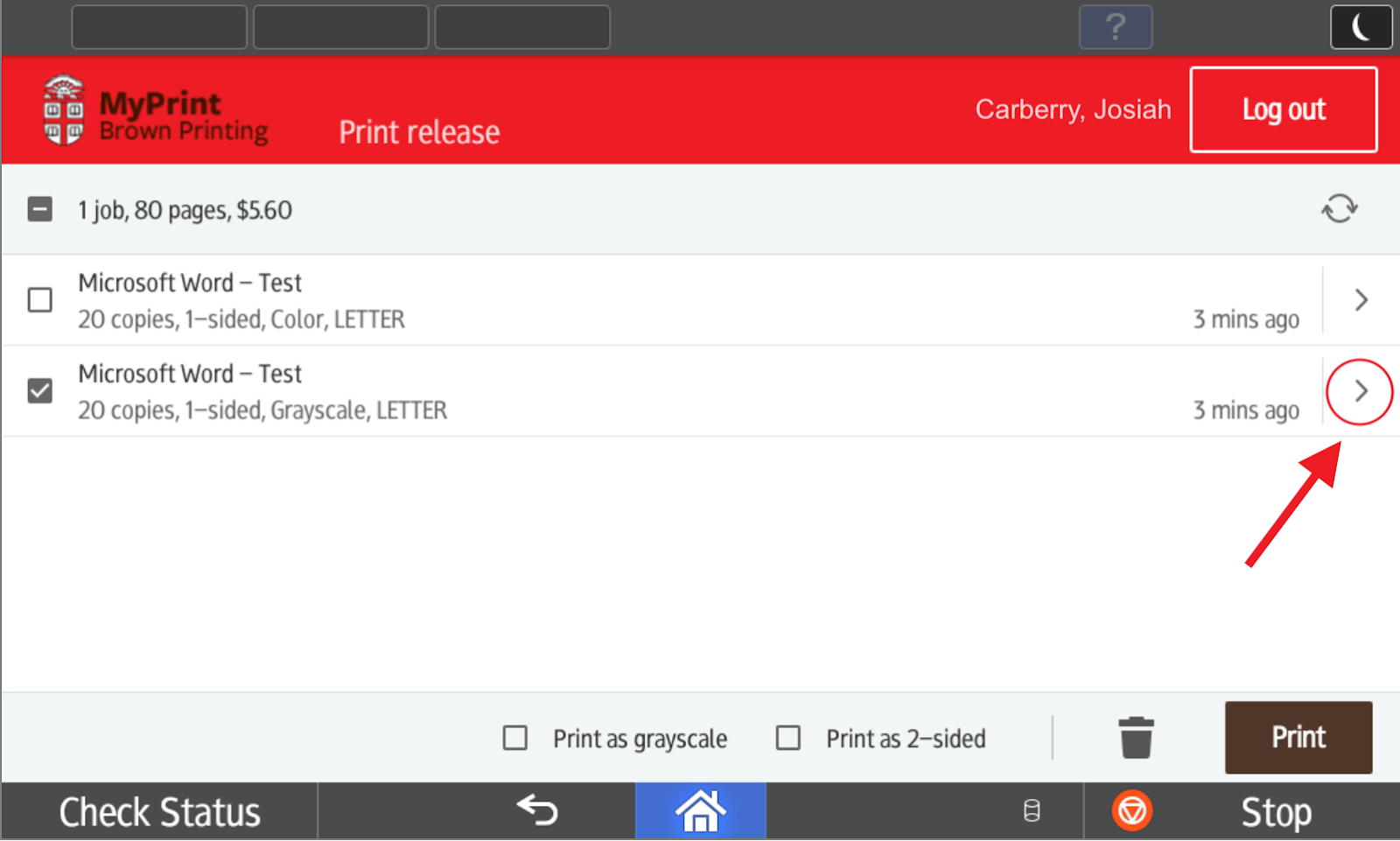
4. The balance will be located at the bottom left of the screen.
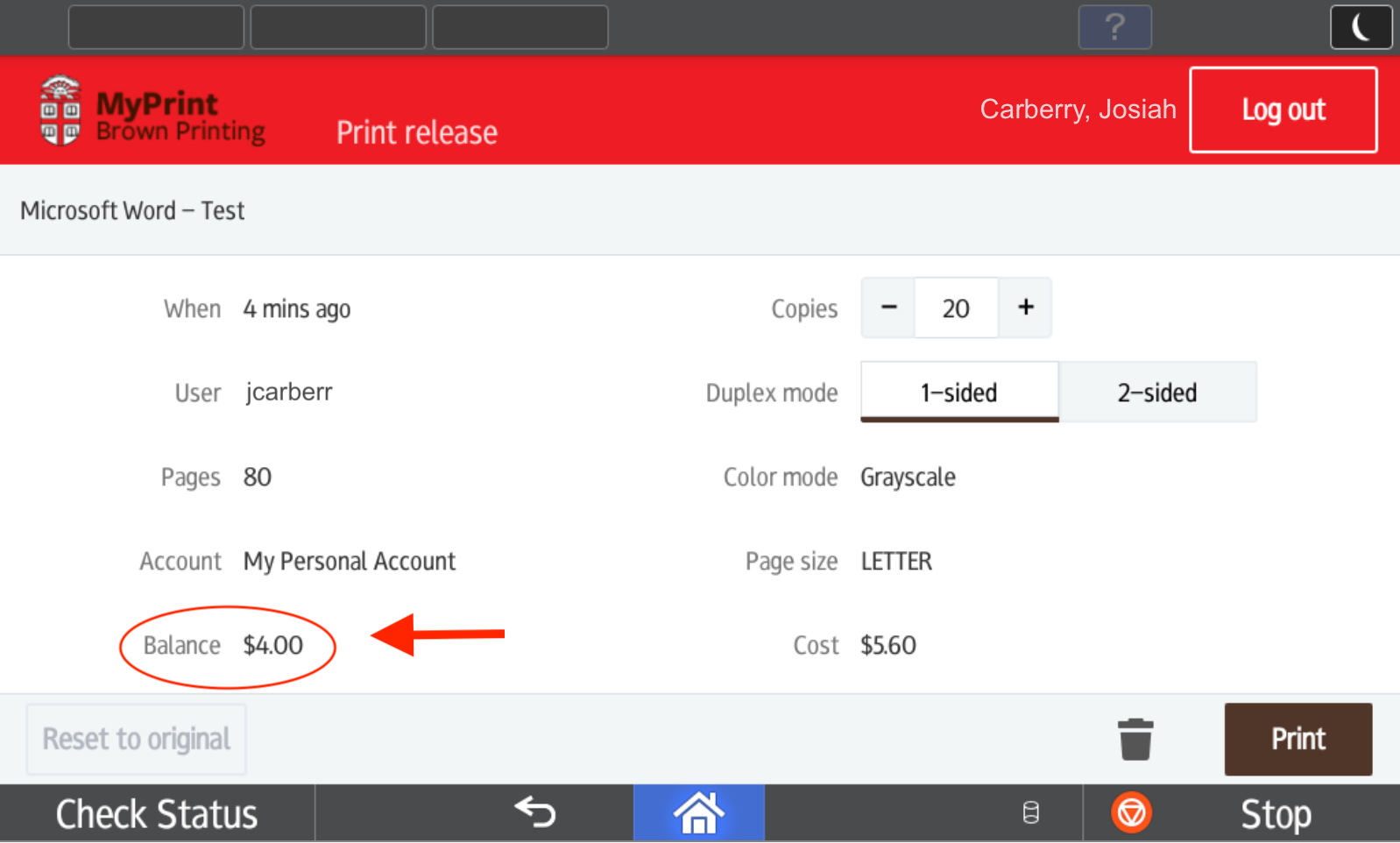
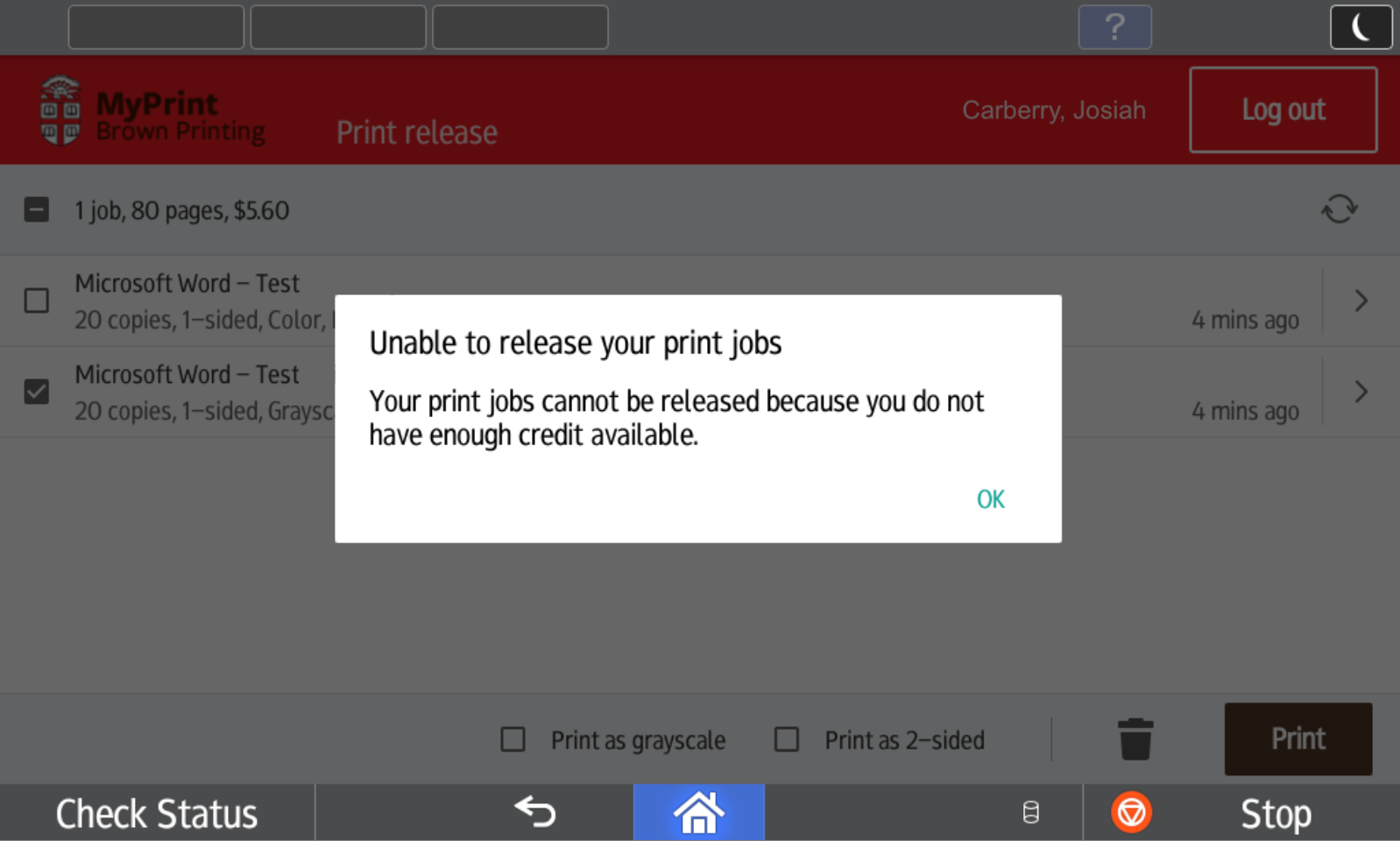
Note: If the total cost of the print session (1 or more jobs) exceeds the total balance of MyPrint credits, a prompt will appear indicating that there are insufficient credits in the account, and the print job(s) will not be released. If you need more funds, you can purchase additional print credits as needed.