

Panopto’s Preview Mode is a feature designed to make browsing through your videos much faster. Instead of opening every video in a new browser tab to see if it’s the right one, Preview Mode lets you watch and interact with videos directly within the folder view.
Click the Preview Mode button in the top-right corner of the folder.
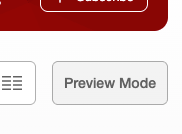
A new panel will slide out on the right side of your screen.
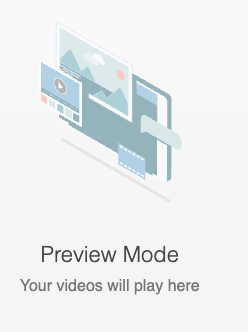
Select a Video: Click on any video thumbnail or title in your library. The video will load inside the right-hand panel.
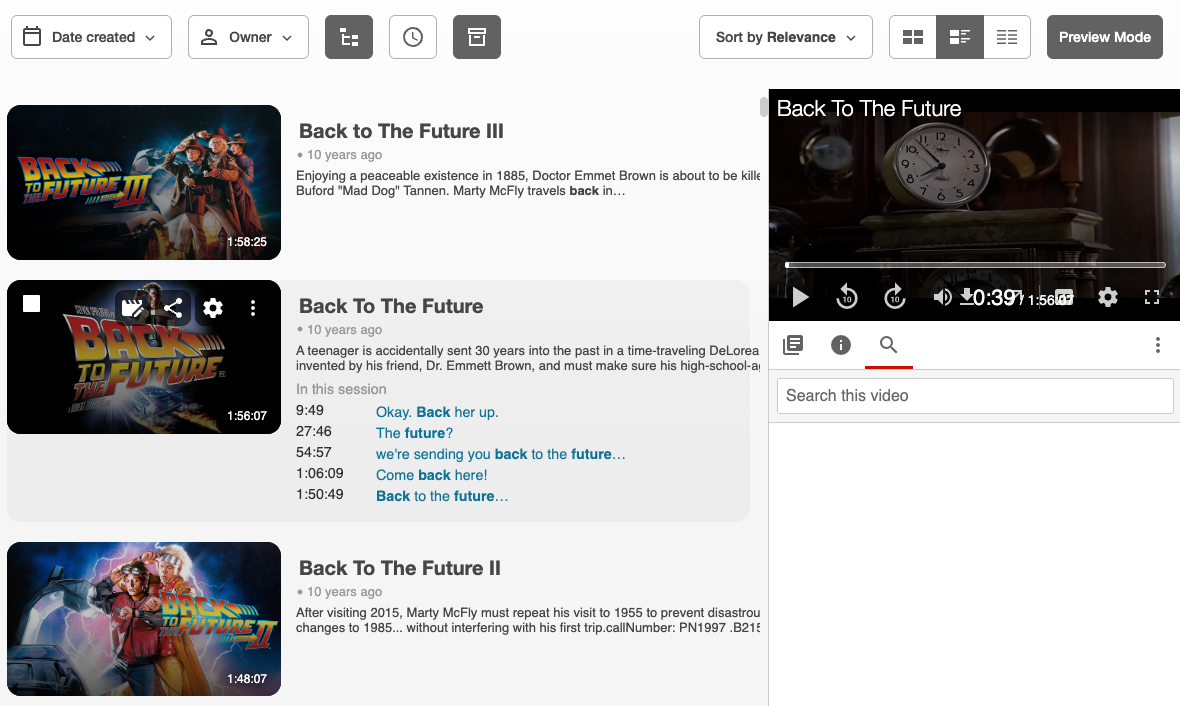
Interact: Even though it’s a "preview," the panel is fully interactive. You can
- Search for keywords within that specific video.
- View the Table of Contents.
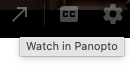
- Read and add Notes or Discussion posts.Watch in Full Screen: If you decide you want to watch the video in the full player, click the arrow icon to launch it in a new tab and view with the interactive player as usual.